Free to use
All features are available without a premium subscription or feature lock. The app is supported by banner ads.
Manage TOTP codes, passwords, Autofill and encrypted backups in one app. No account is required, and your 2FA secrets and saved passwords stay locally on your device.
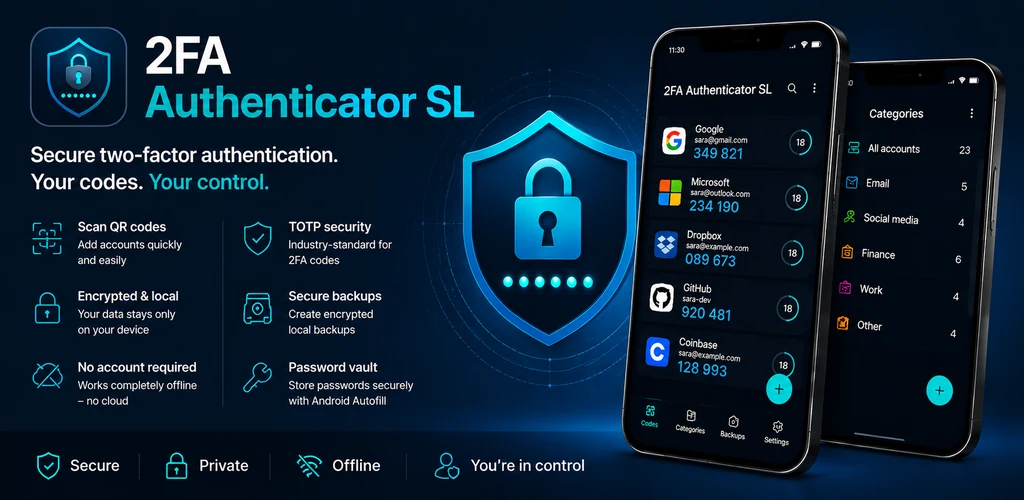
2FA Authenticator SL is designed to keep sensitive information close to you and give you clear control over how it is displayed, imported and backed up.
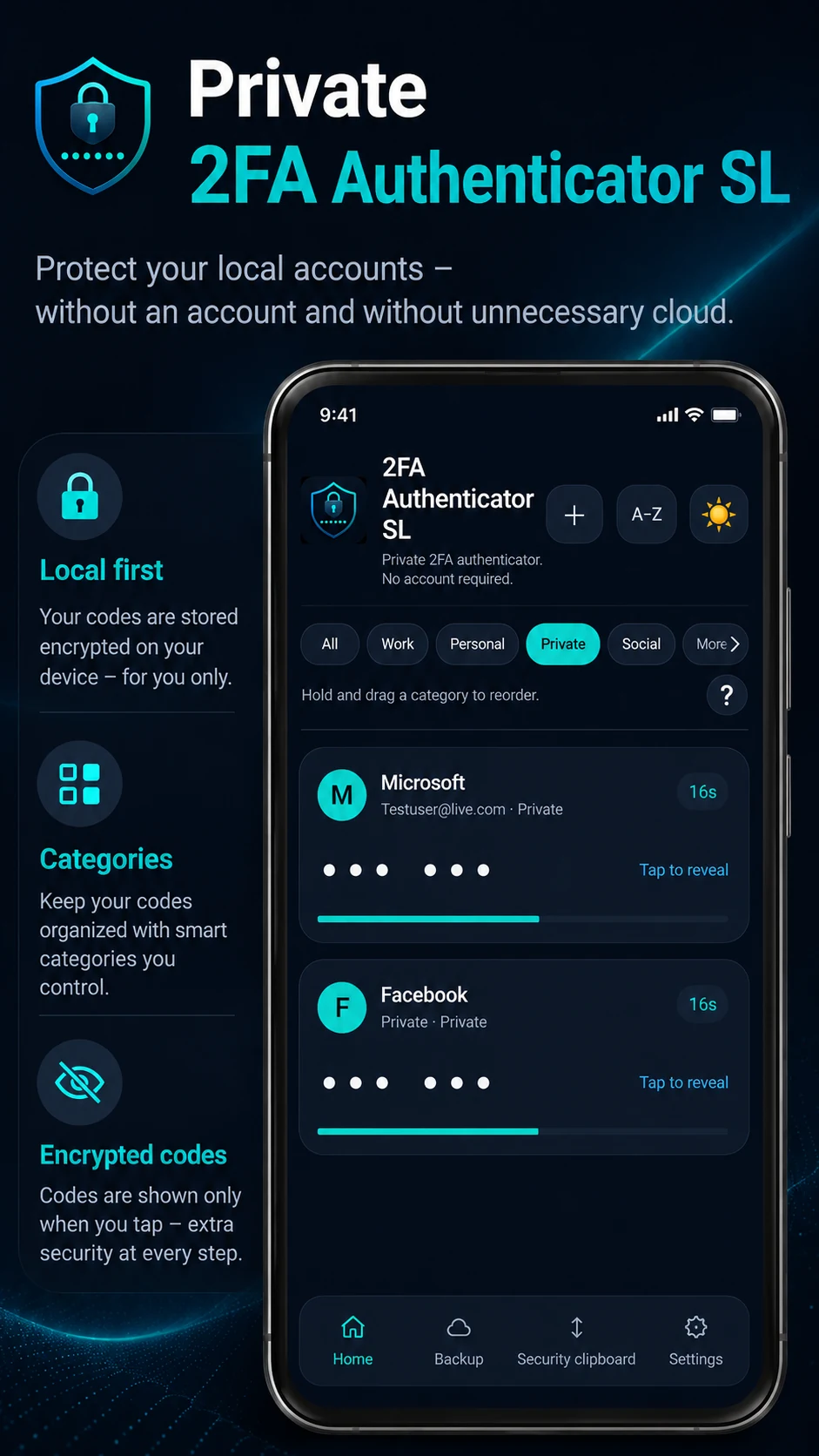
Scan a service QR code or enter the secret key manually. Organize accounts into categories and keep 2FA codes hidden until you choose to reveal them.
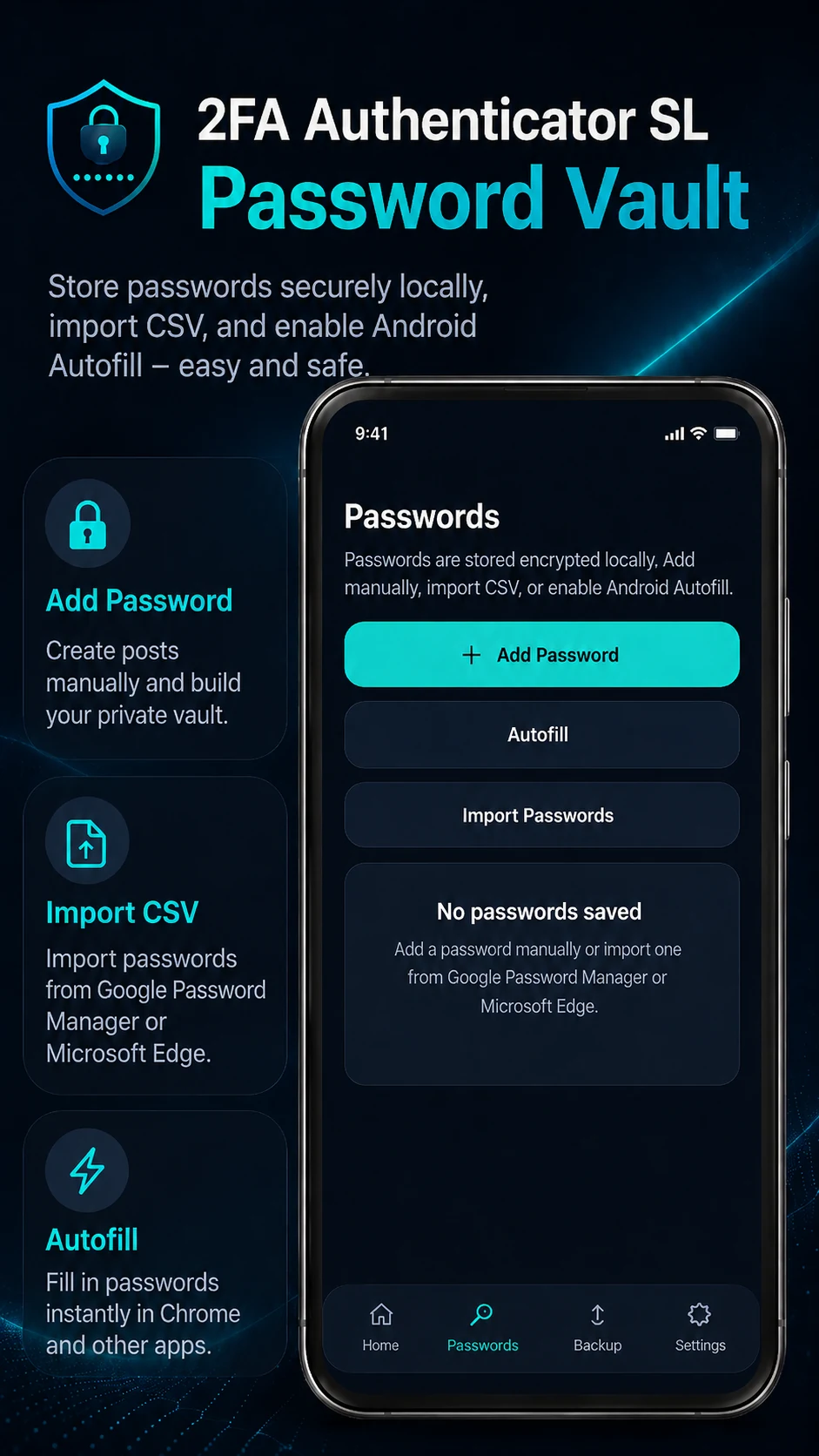
Store logins in an encrypted local password vault. Import compatible CSV files and enable Android Autofill when you want to use saved logins in apps and browsers.
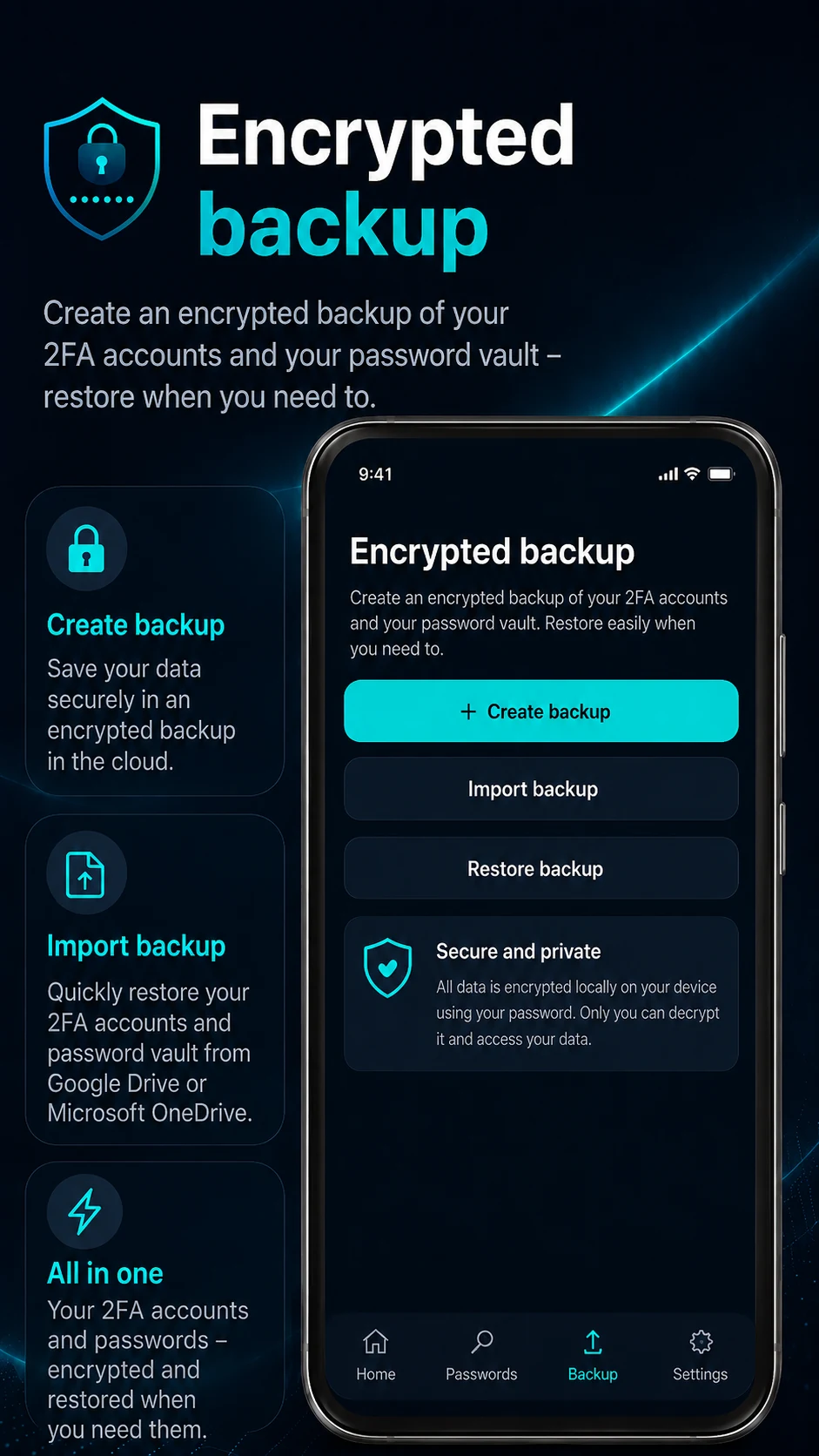
Create a password-protected .2faslbackup file containing your 2FA accounts and saved passwords. During restore, you choose what should be imported.
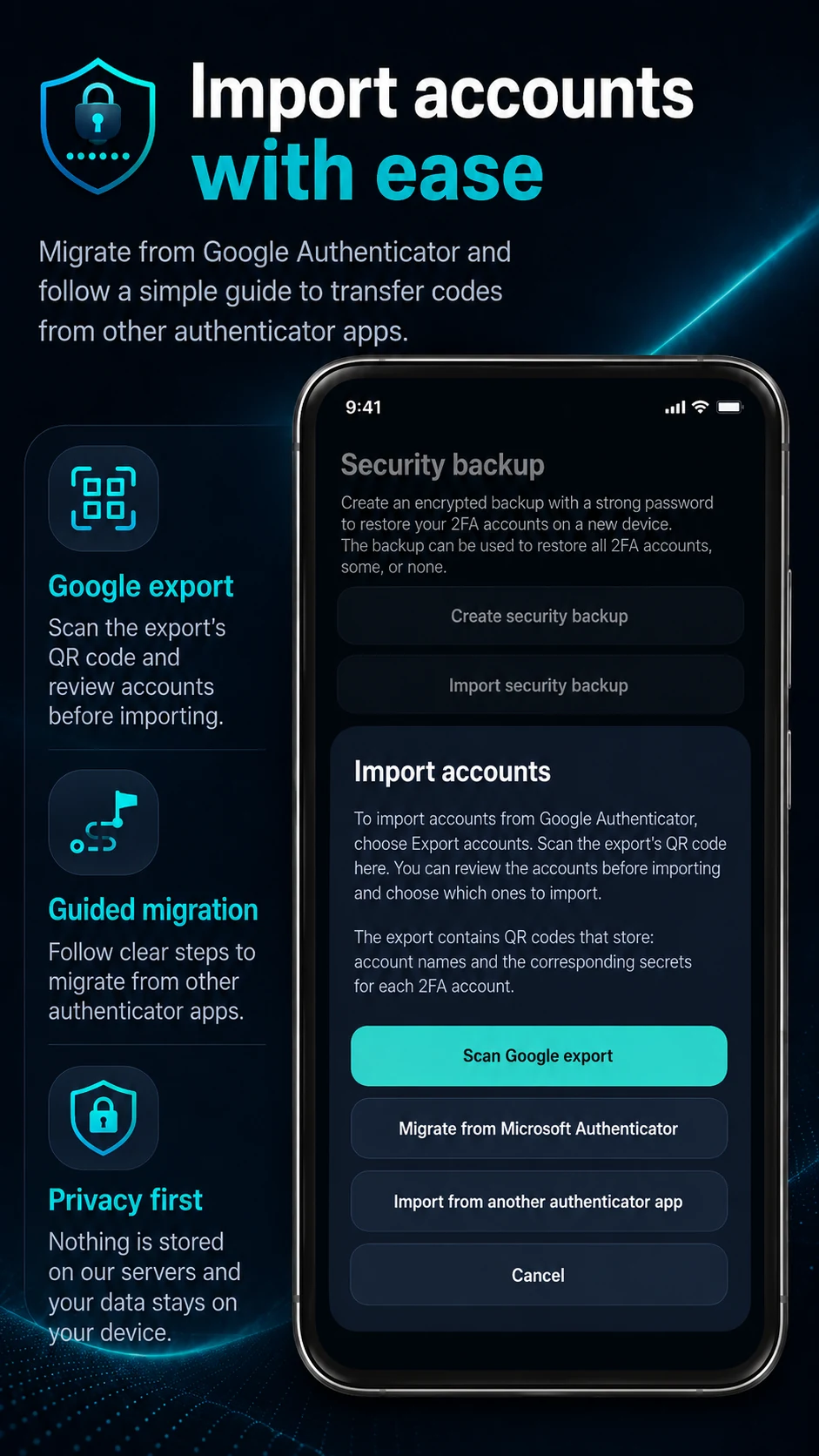
Scan the Google Authenticator export QR code, review the accounts and confirm only when you are ready. The app also provides guidance for moving from other authenticator apps.
Protect the app with an optional PIN, choose whether screenshots are allowed and use secure widgets for quick access without leaving your code permanently visible.
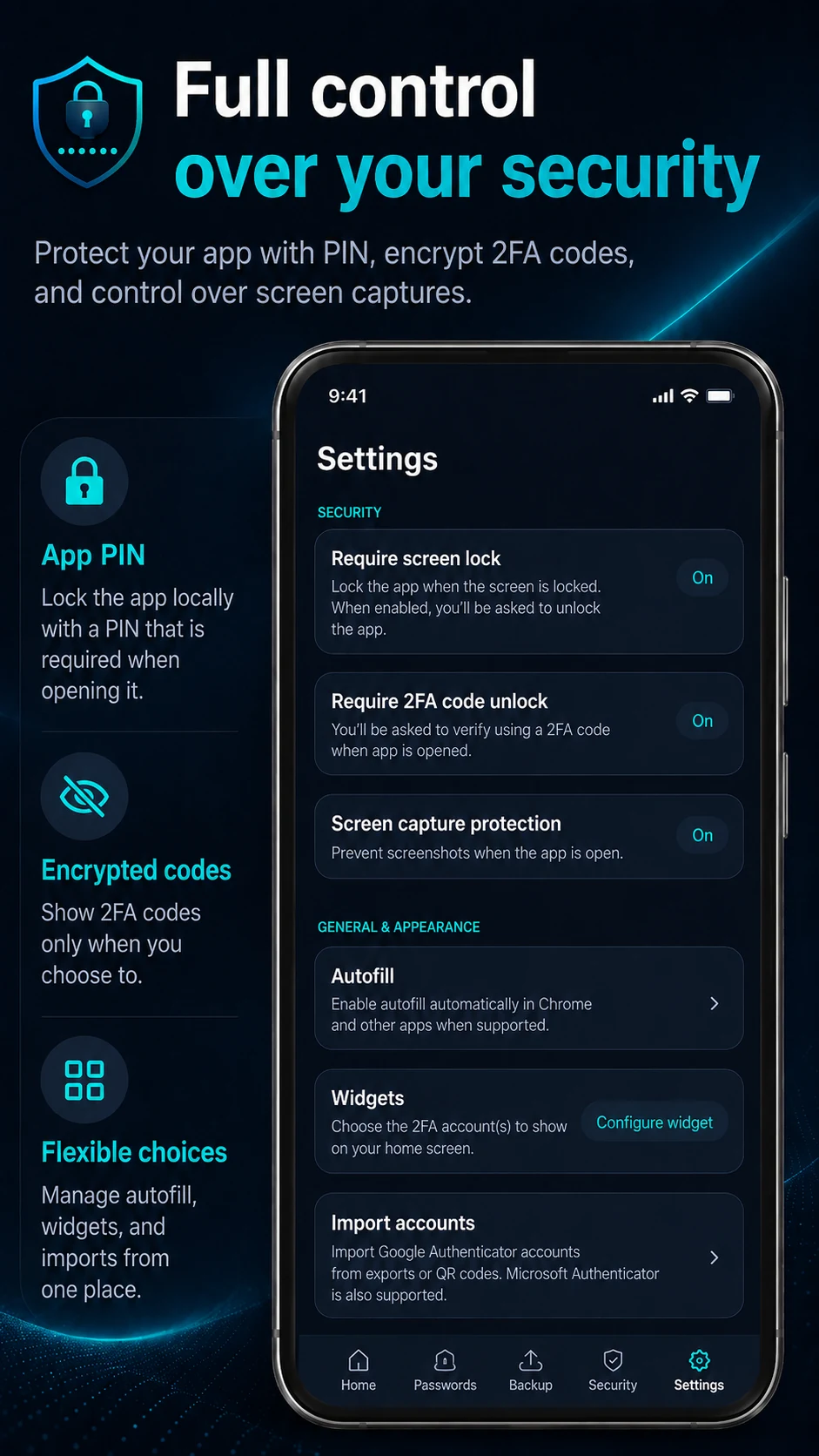
2FA codes, password storage, imports, privacy controls and backups are separated into straightforward screens.
All features are available without a premium subscription or feature lock. The app is supported by banner ads.
Your TOTP secrets, generated codes and password vault are not sent to a developer-operated server for synchronization.
The app, help content, website, privacy policy and terms are available in both Swedish and English.
2FA Authenticator SL requires no account. Banner ads are handled through Google AdMob and consent choices through Google UMP, but the app does not provide TOTP secrets, generated 2FA codes or saved passwords to the advertising SDK. Read the privacy policy →